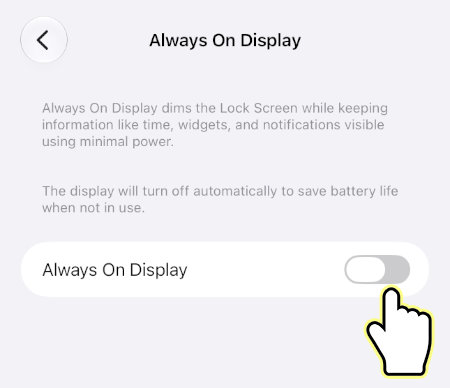
This tutorial will show you how to enable or disable Always On Display on your iPhone. Always On Display dims the lock screen while keeping information like time, widgets, and notifications visible using minimal power.
Turn On or Off Always On Display on iPhone
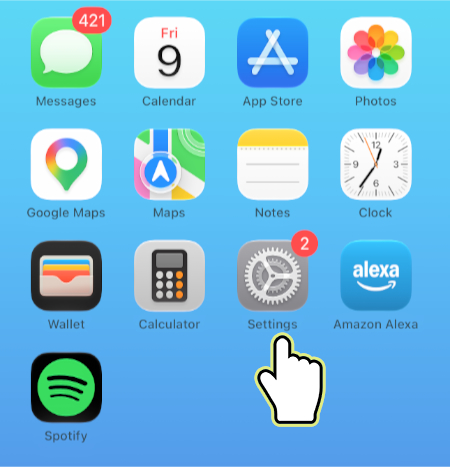
1. Open Settings.
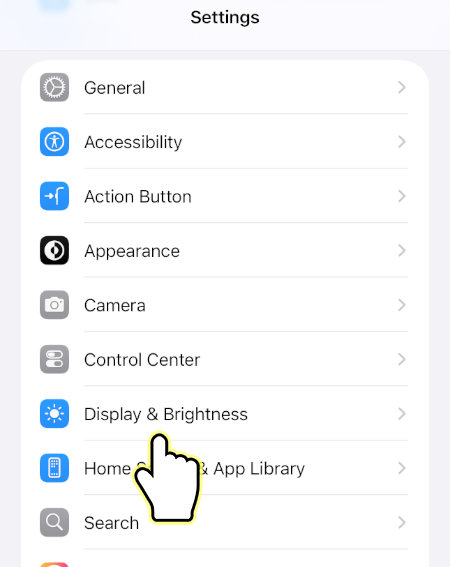
2. Open Display & Brightness.
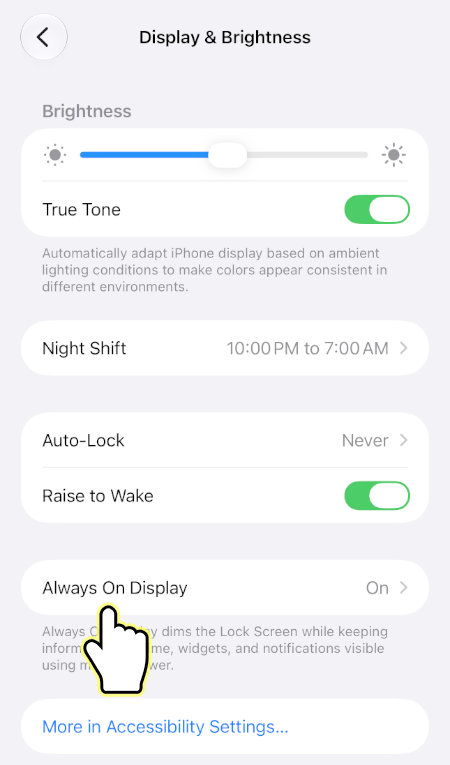
3. Open Always On Display.
4. Enable or disable Always On Display.