This tutorial will show you how to change how long your iPhone screen stays on before it locks automatically. You can adjust the time it takes for the screen to lock.
Change Auto-Lock Timeout on iPhone
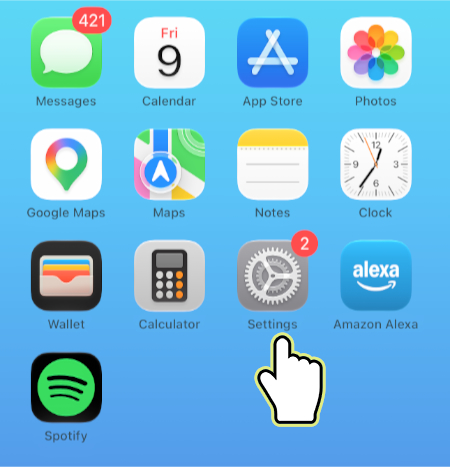
1. Open Settings.
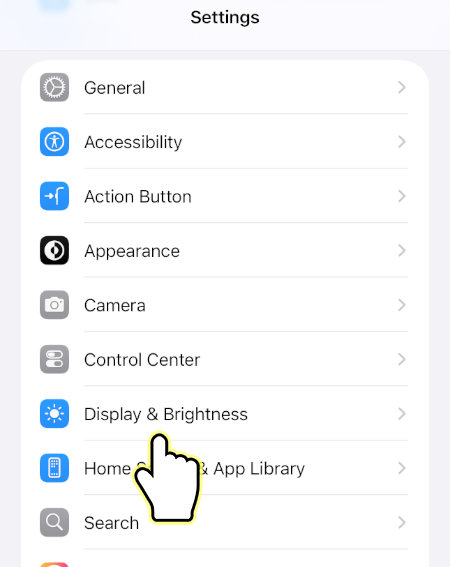
2. Open Display & Brightness.
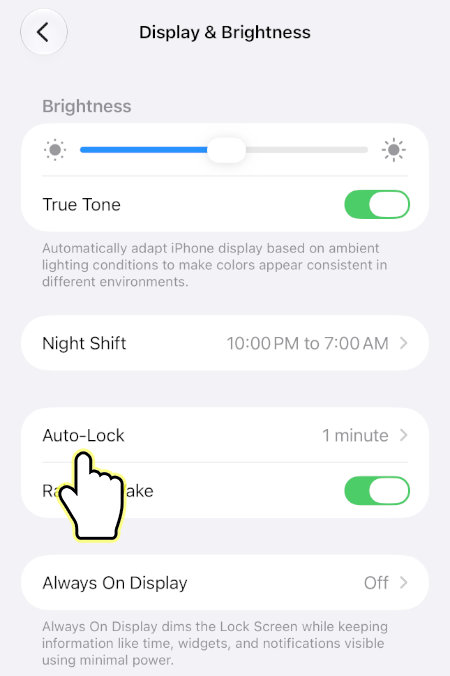
3. Open Auto-Lock.
4. Select desired time.
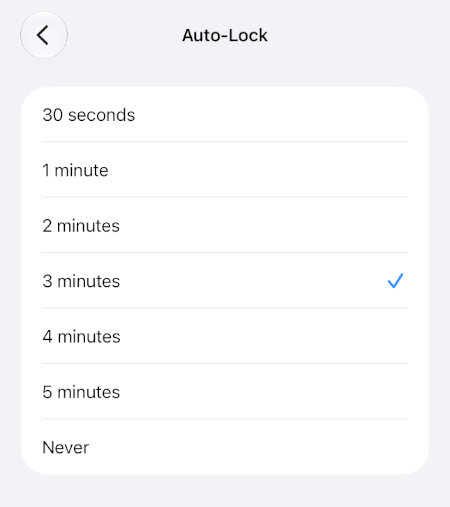
Your iPhone will now automatically lock its screen after the selected time of inactivity.