This tutorial will show you how to erase your Apple computer running macOS Sequoia and restore it to factory settings. This will delete and wipe all settings, data, and apps so you can sell, giveaway, or trade-in your Mac. This guide uses Apple’s built in tool which erases all data while keeping the current operating system installed.
Factory Reset macOS Sequoia
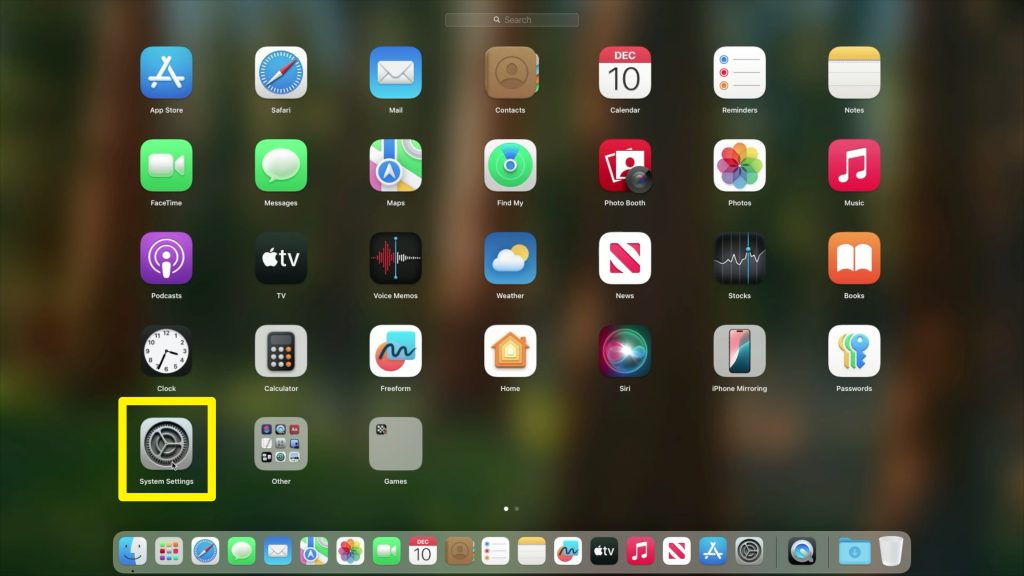
1. Open System Settings.
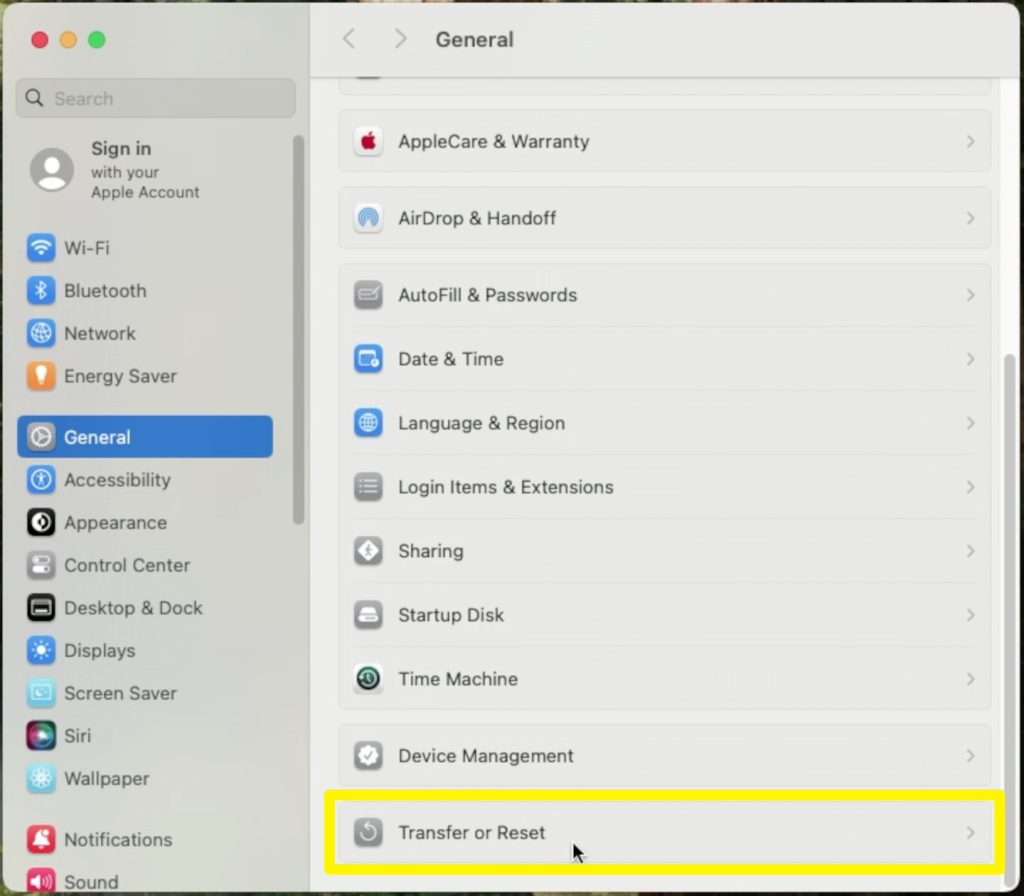
2. Under General, scroll down to Transfer or Reset.
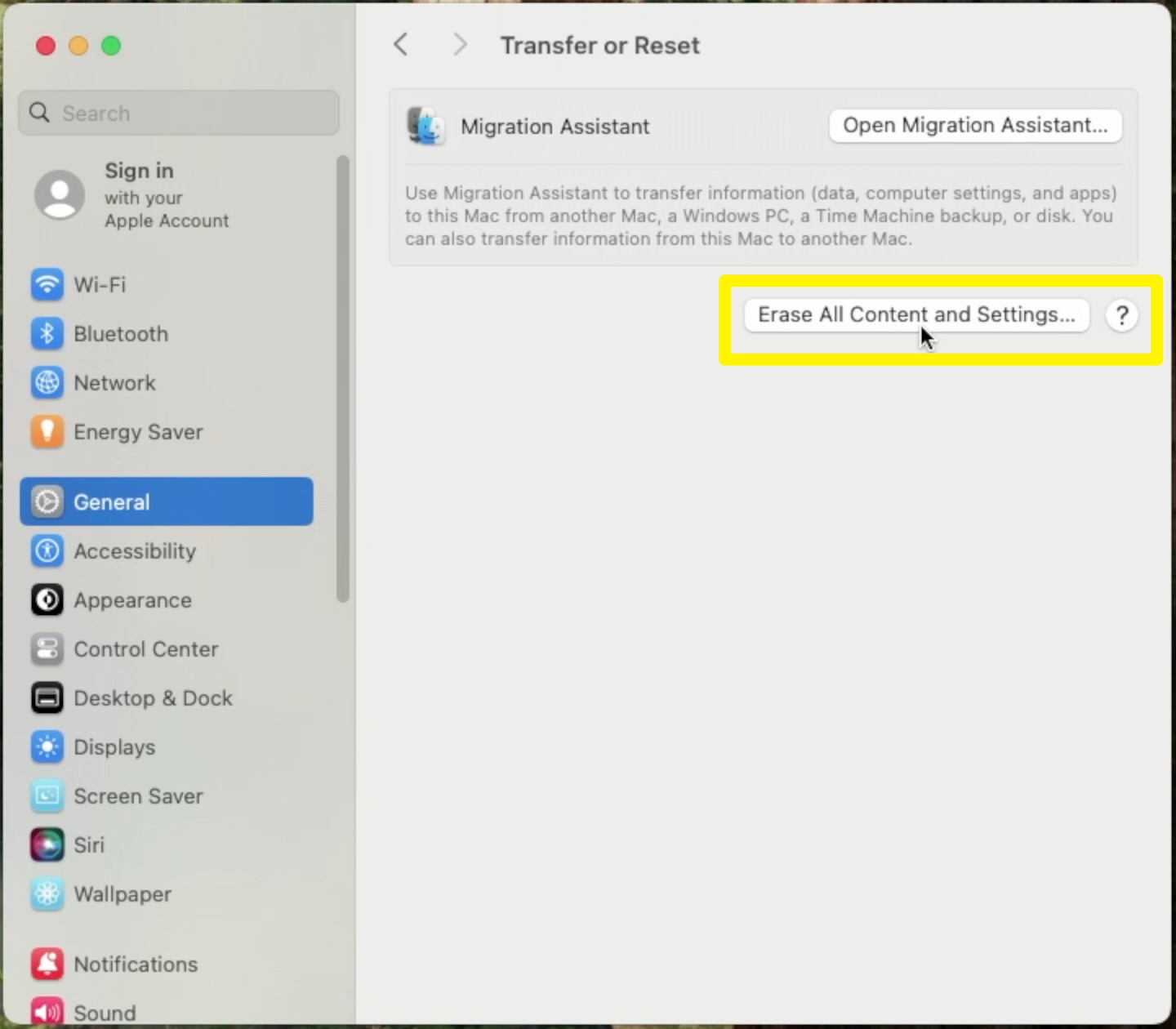
3. Press Erase All Content and Settings…
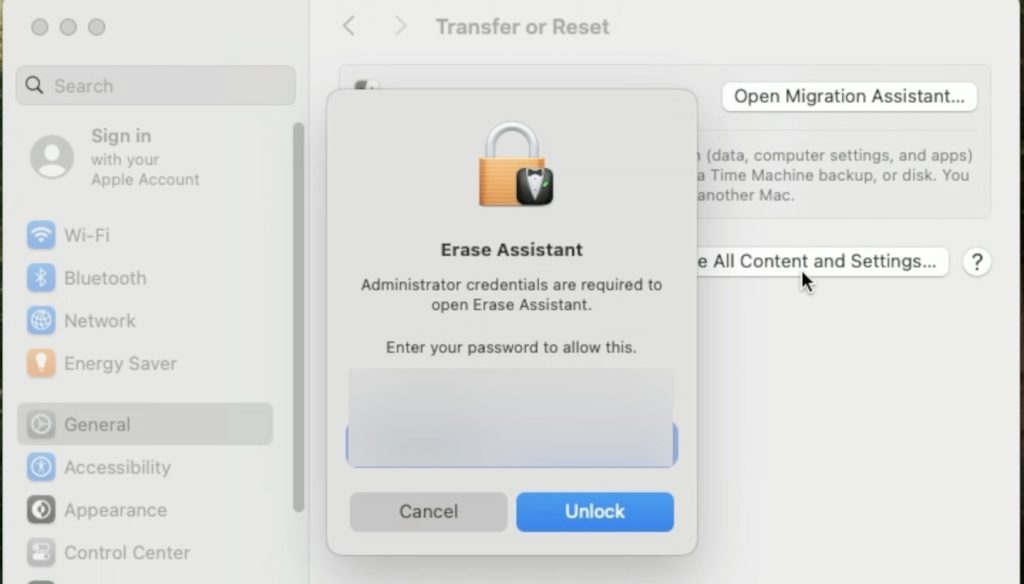
4. Enter your user password.
5. Press Continue.
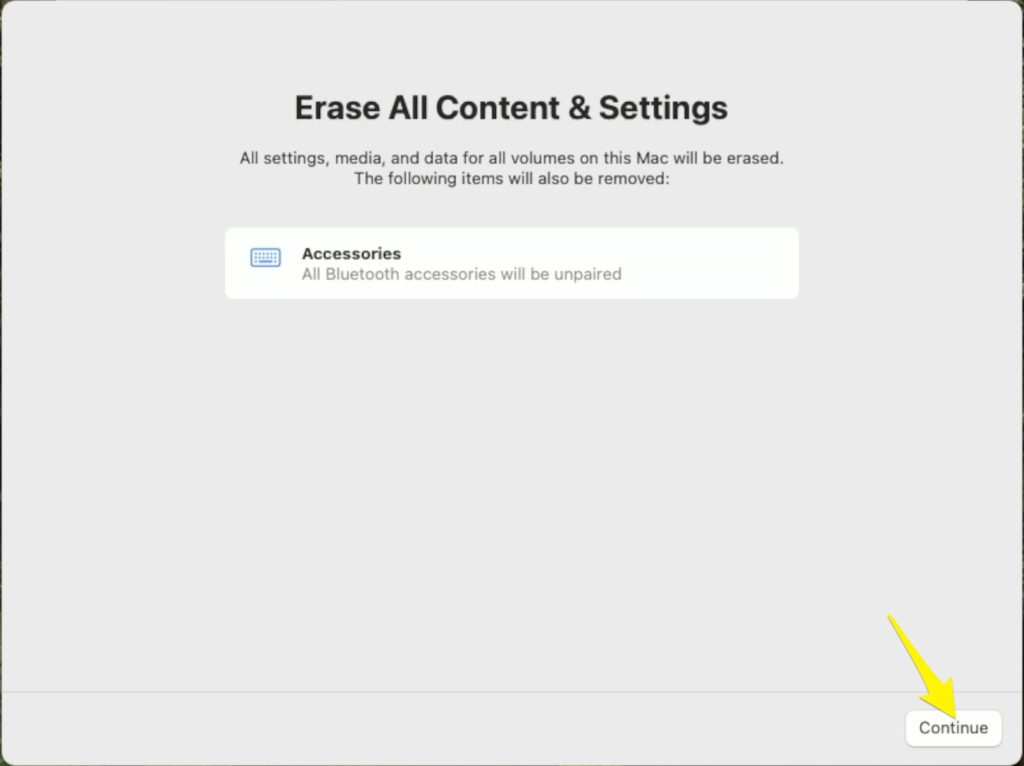
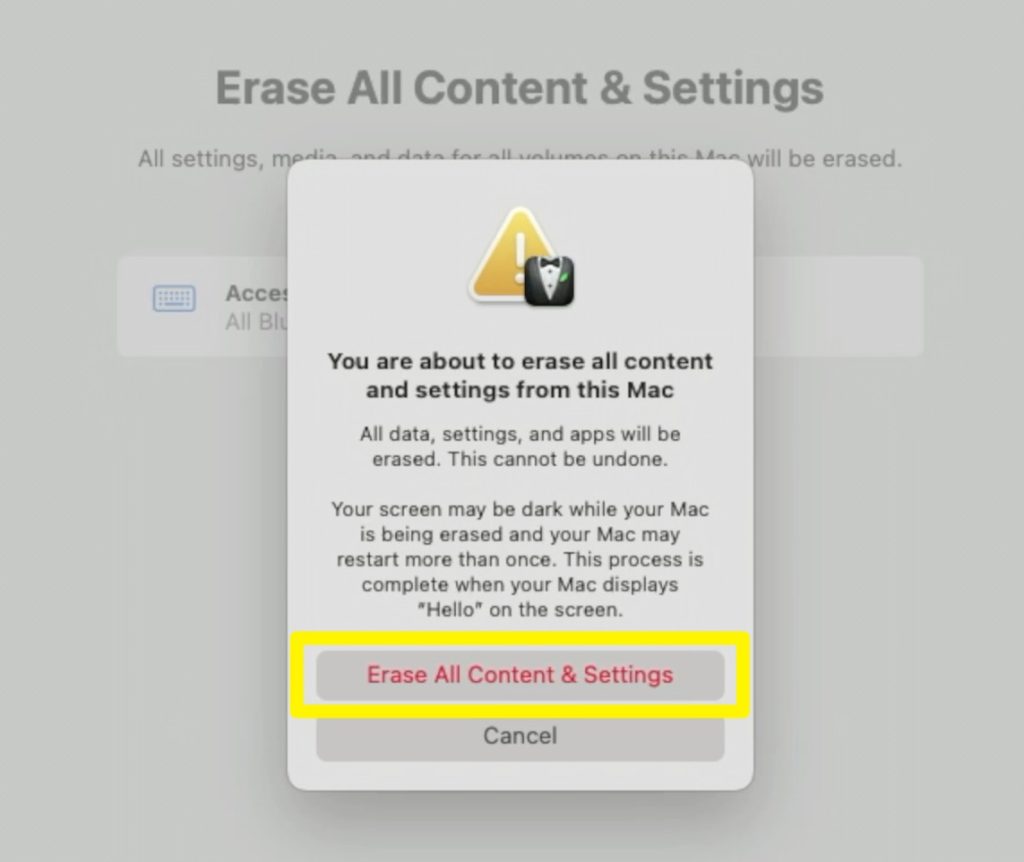
6. Press Erase All Content and Settings.
7. After your computer restarts, you will need to activate your Mac by joining a Wi-Fi network. On the top-right corner, press the Wi-Fi icon and connect to your network.
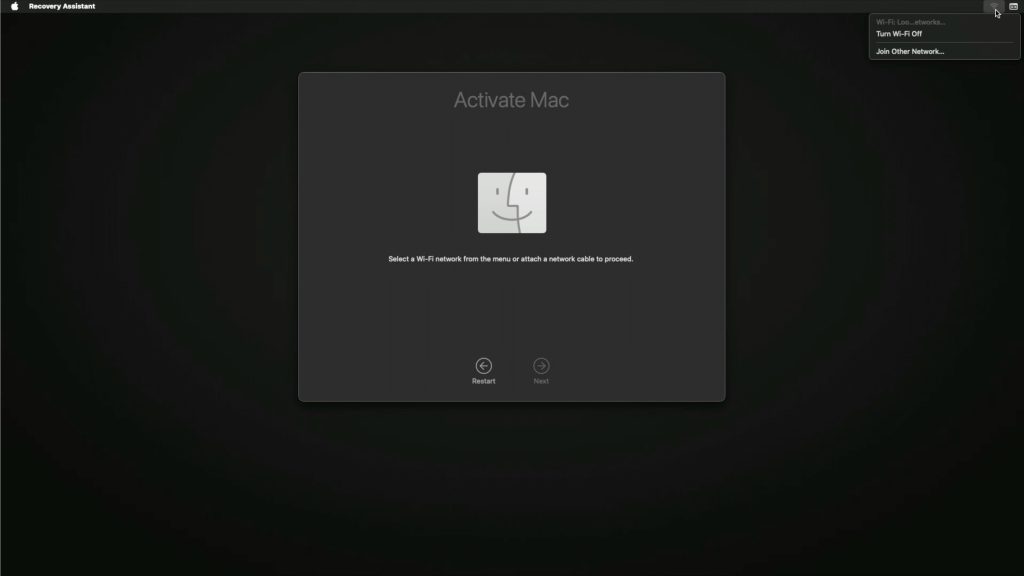
That’s it. You should now see the initial Mac setup screen.