This video will show you how to enable or disable automatic updates on your iPhone.
Turn On/Off Automatic Updates on iPhone
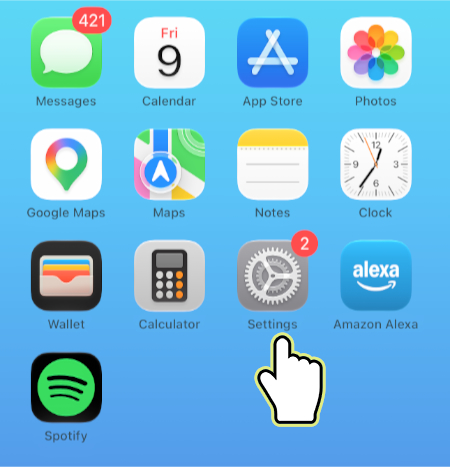
1. Open Settings.
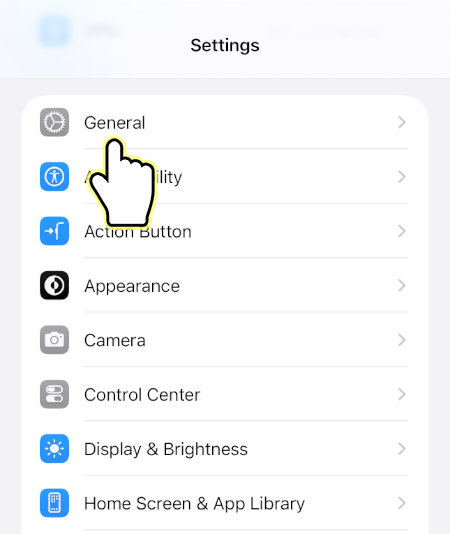
2. Open General.
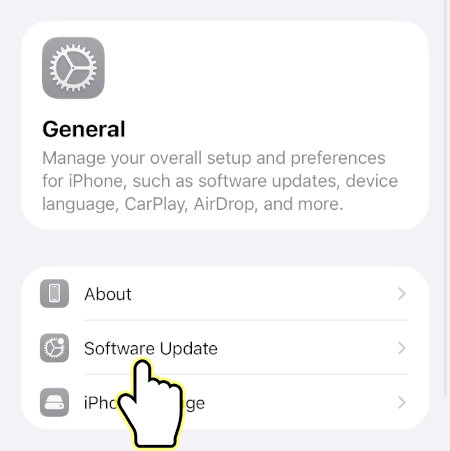
3. Open Software Update.
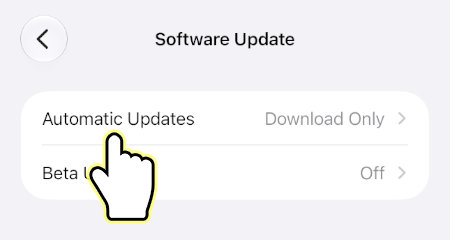
4. Open Automatic Updates.
5. Turn on Automatically Install and Automatically Download if you want to enable automatic updates, otherwise turn both options off if you want to disable automatic updates.
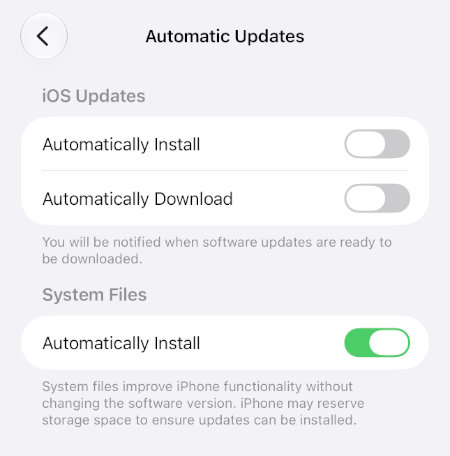
That’s it! You’ve now successfully changed the automatic update settings on your iPhone.