This tutorial will show you how to erase and wipe all data on your iPhone running and restore it to factory settings.
Factory Reset iPhone
1. Go to Settings.

2. Go to General.
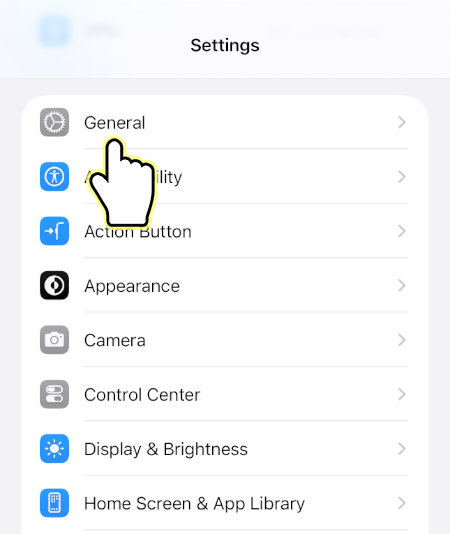
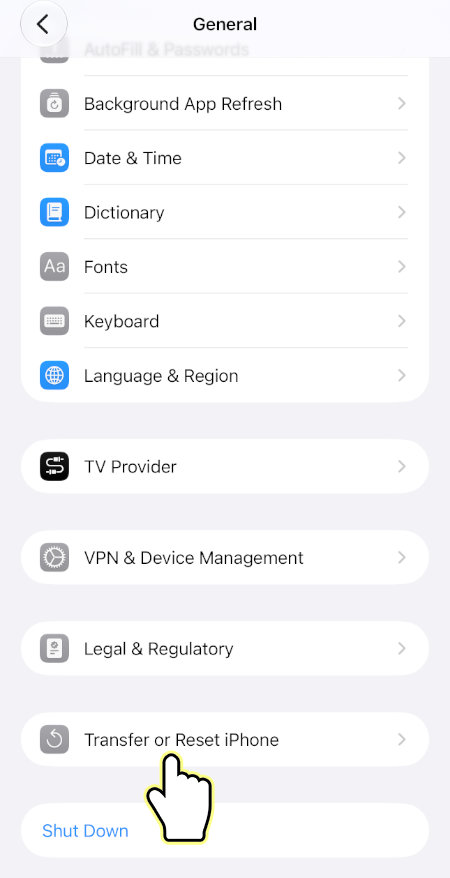
3. Go to Transfer or Reset iPhone.
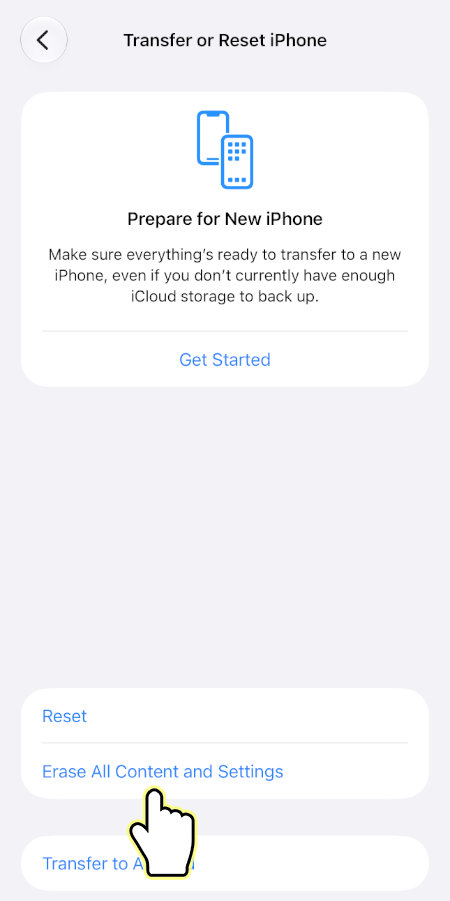
4. Press Erase All Content and Settings.
5. Press Continue.
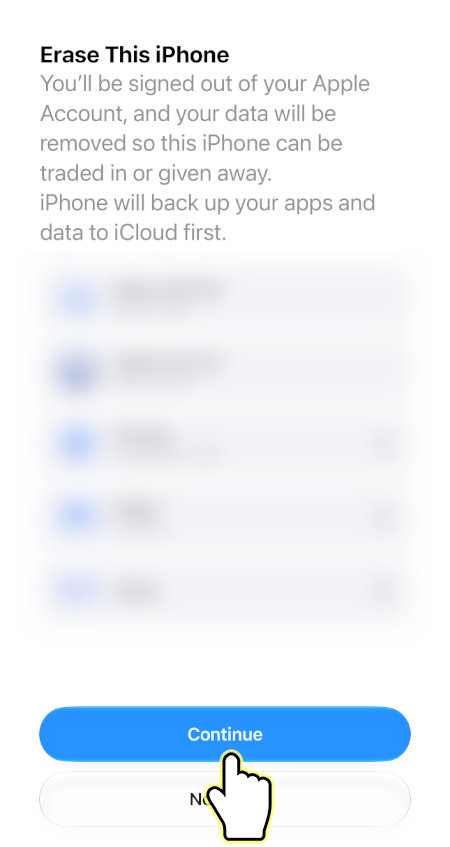
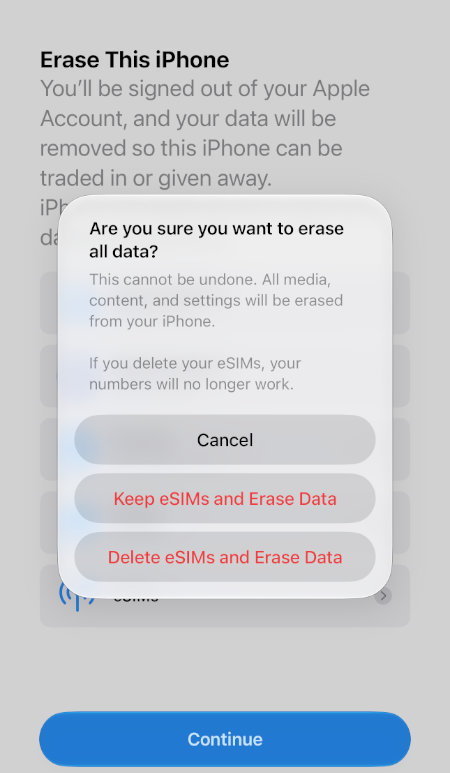
6. You may be prompted to select an option, Keep eSIMs and Erase Data or Delete eSIMs and Erase Data.
Your iPhone will restart and begin the process.