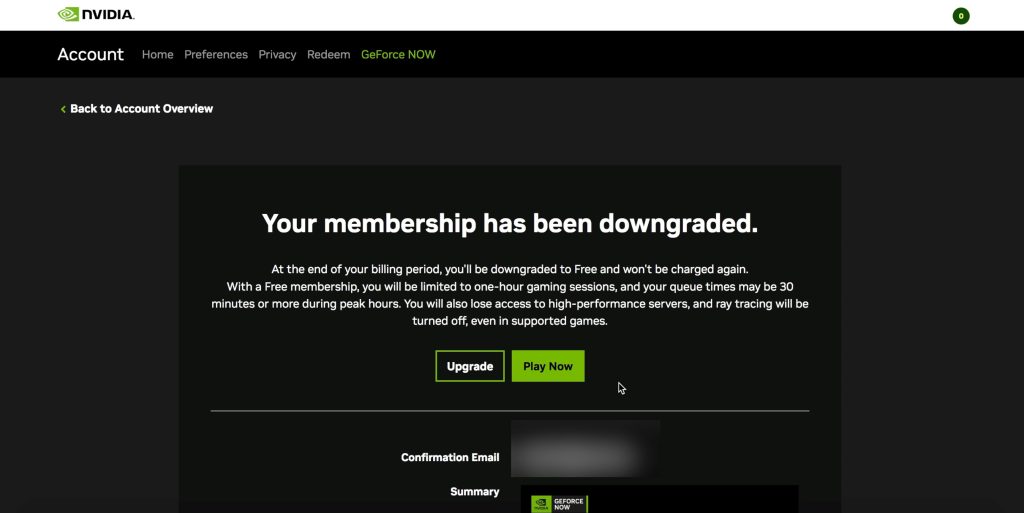
This tutorial will show you how to cancel your NVIDIA GeForce NOW premium subscription (Performance and Ultimate tier) and what happens to your membership after you cancel.
Cancel NVIDIA GeForce NOW Membership
1. Go to nvidia.com/account and log into your account.
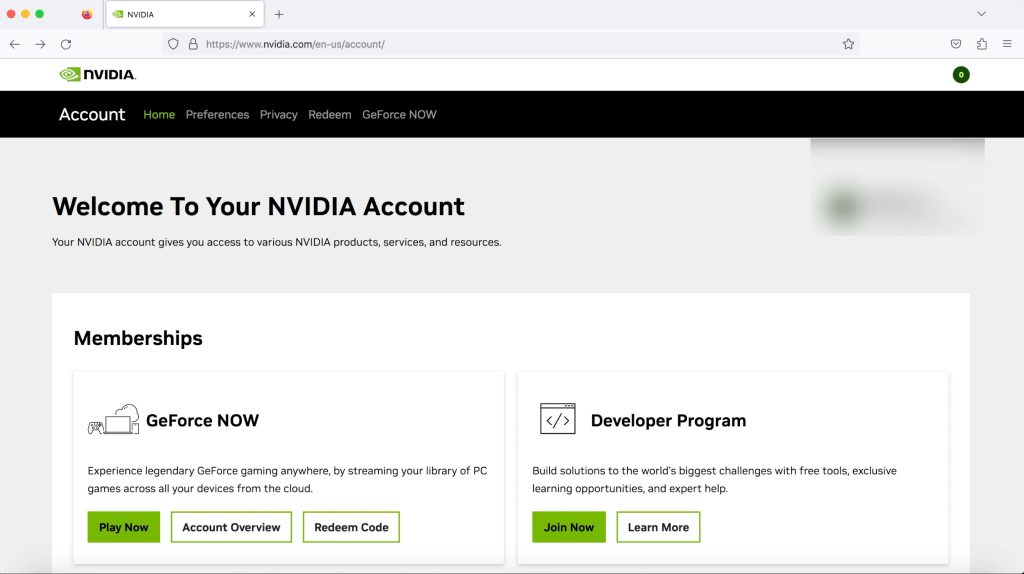
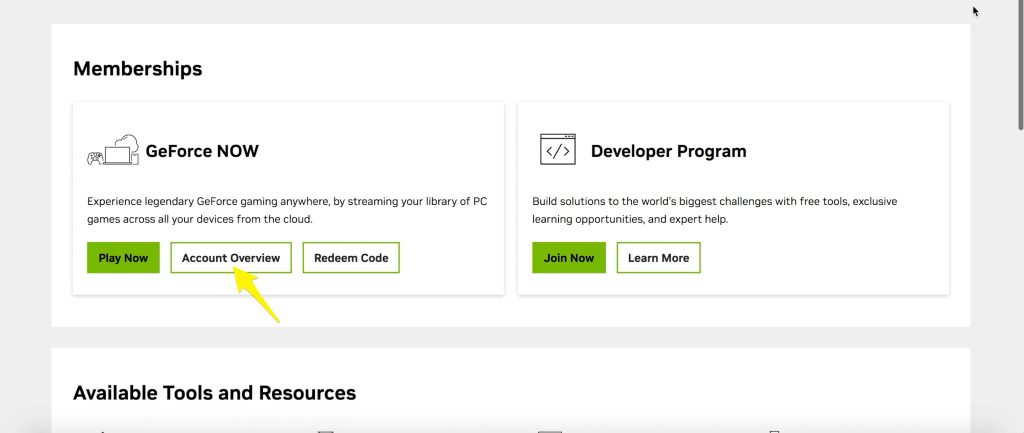
2. Go to Account Overview under Memberships.
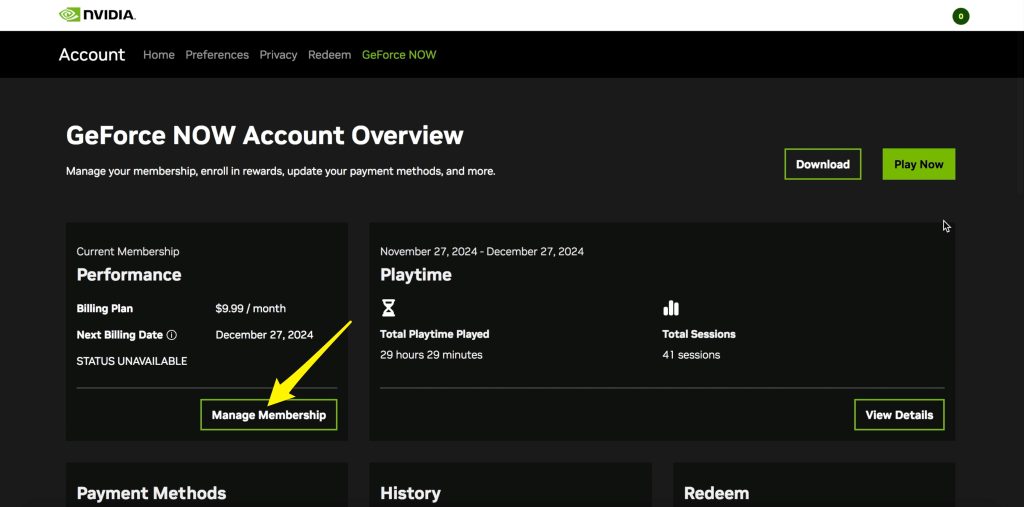
3. Go to Manage Membership.
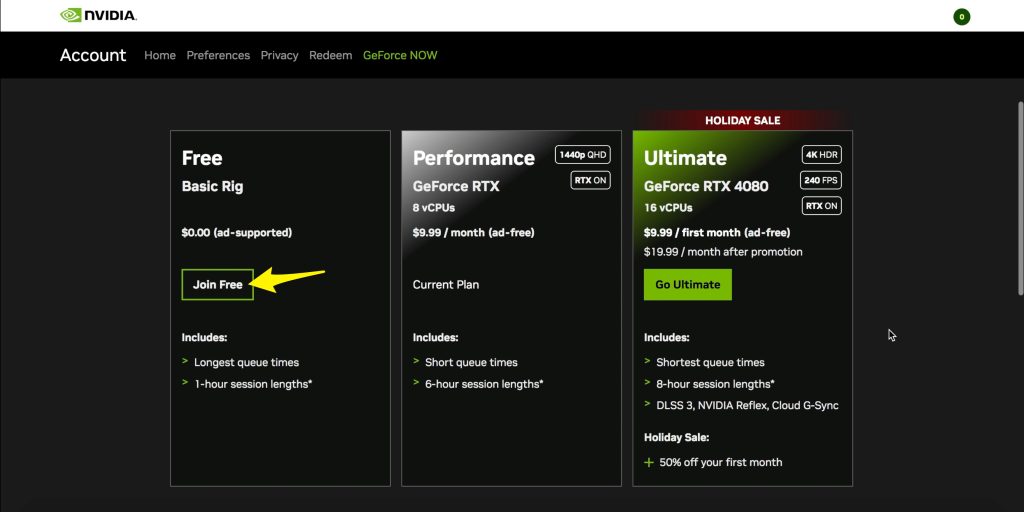
4. Downgrade to the free tier by hitting Join Free.
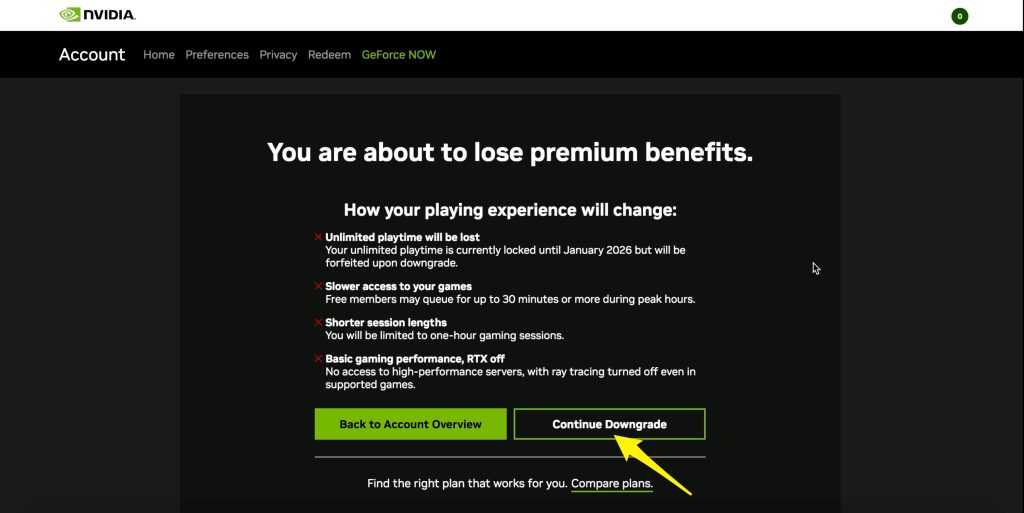
5. Press Continue Downgrade.
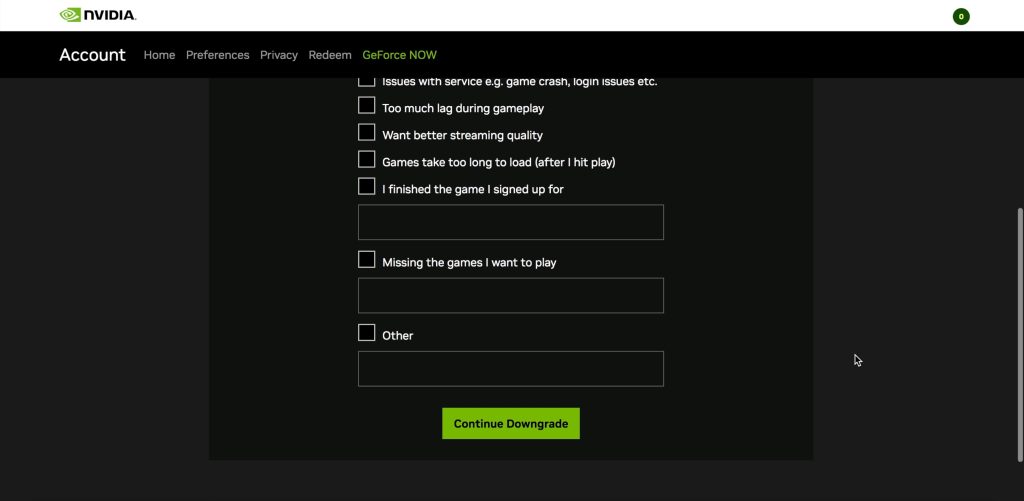
6. Press Continue Downgrade again.
7. Press Finish Downgrade.
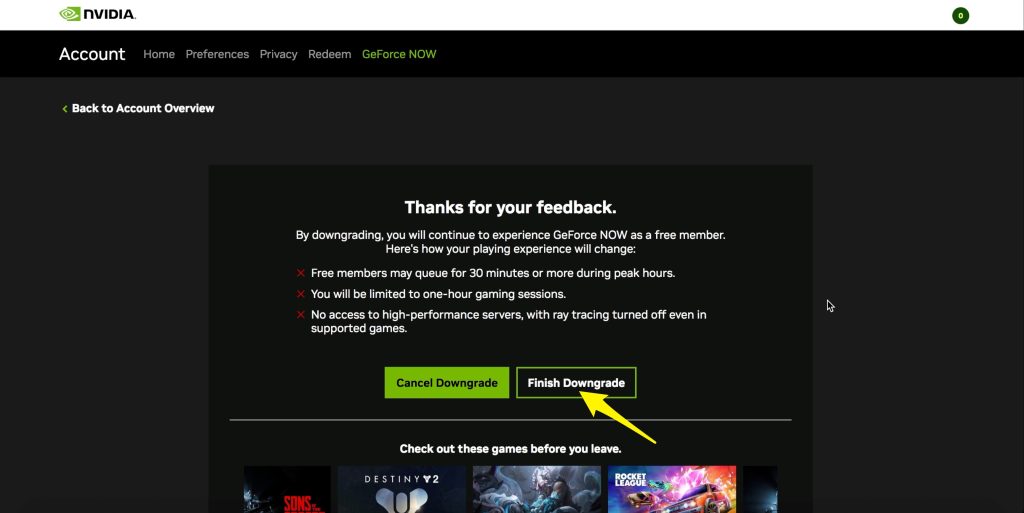
That’s it. You have now ended your premium GeForce Now membership. You will still have access to the premium tier until the end of the billing cycle.