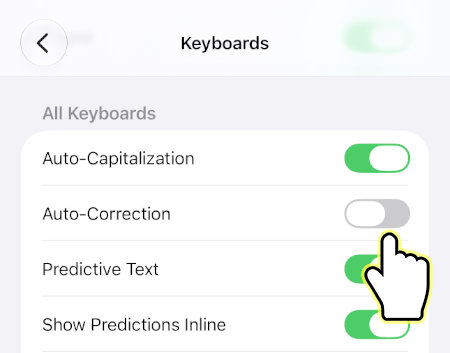
This tutorial will show you how to enable or disable auto-correct on your iPhone. This will stop your iPhone from automatically correcting words as you type in text messages, emails, forms, etc.
Turn On or Off Auto-Correct on iPhone
1. Open Settings.
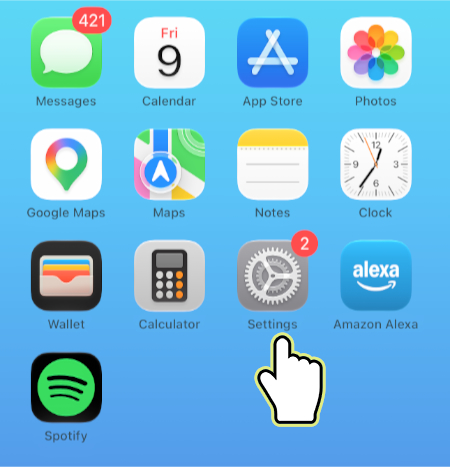
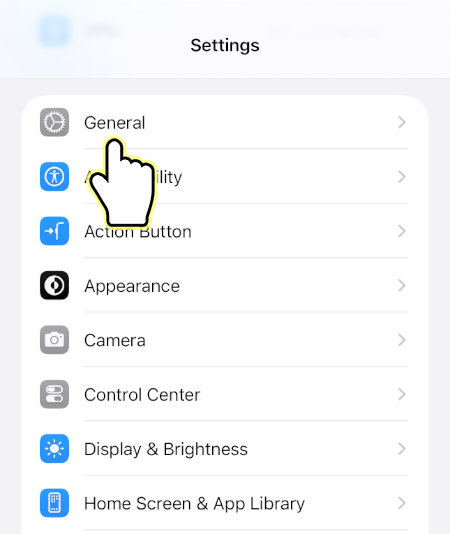
2. Open General.
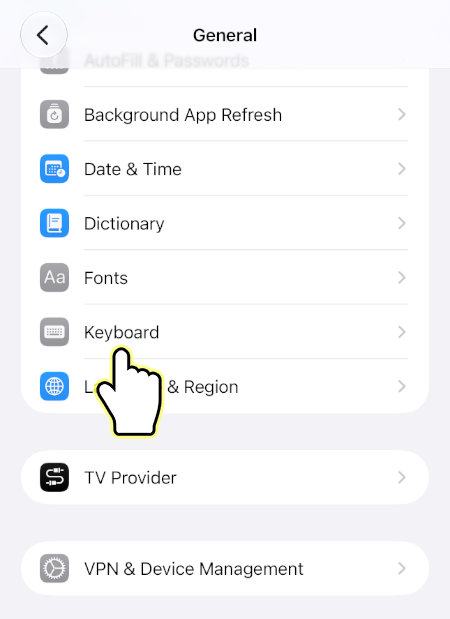
3. Open Keyboard.
4. Enable or disable Auto-Correction.