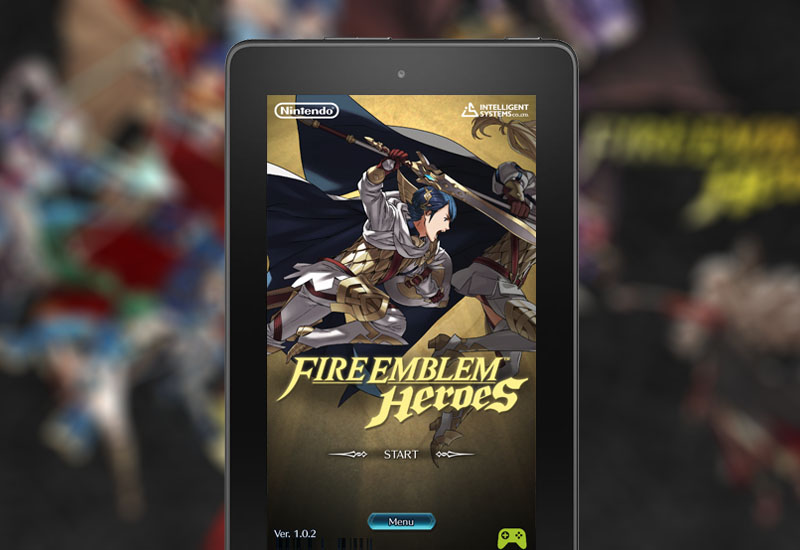
In this tutorial, I will show you how to install and play Fire Emblem Heroes on your Amazon Kindle Fire tablet (this will work on the $50 Fire tablet and Fire HD 8 as well)! First, we will need to install the Google Play Store to our tablet since Fire Emblem Heroes require Google Play Services. This tutorial requires your Kindle Fire tablet to be running on Fire OS 5.0 or higher. To check your OS, go to Settings > Device Options > System Updates. Install Fire Emblem Heroes to Kindle Fire Instructions 1. Go to Settings > Security > and turn on Apps from Unknown Sources 2. In the Silk Browser, go here and download the Google Services Framework .APK file: Download Google Services[…]

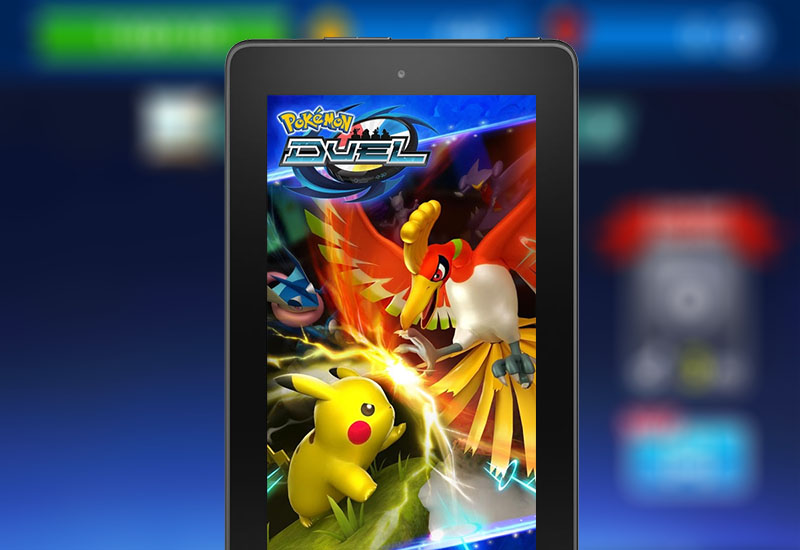
Follow my tutorial to download Pokemon Duel to your Amazon Kindle Fire tablet (including the $50 Fire tablet and Fire HD 8). Since Pokemon Duel requires Google Play Services to run, we will need to sideload the Play Store to the device and then install Pokemon Duel. This guide will work on Kindle Fire tablets running Fire OS 5.0 or higher. To check your OS, go to Settings > Device Options > System Updates. Install Pokemon Duel to Kindle Fire Instructions 1. Go to Settings > Security > and turn on Apps from Unknown Sources. 2. In the Silk Browser, go here and download the Google Services Framework .APK file: Download Google Services Framework .APK 3. Open the file and install it. 4. Download[…]